
AI rap duo studio
Two photos in · one five-second take out
Drop two photos. Get a rap duo.
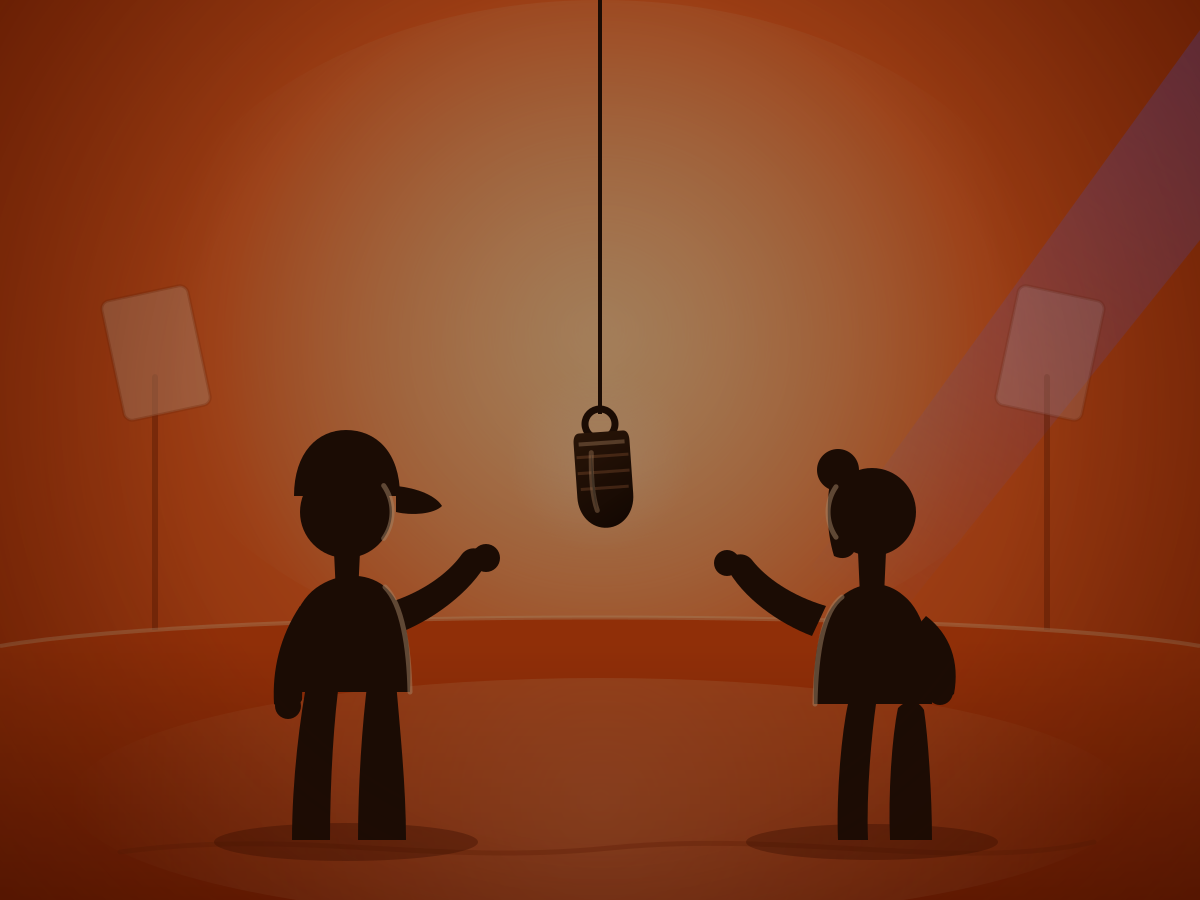
vid2vid stages both subjects on a seamless orange studio set with a single microphone hanging above them. Your duo performs a five-second take over an original beat with short original rap lines — no licensed song, and no stage to build.
 Scene illustration
From two photos to a duo take
Every run follows the same three beats.
Upload both photos
One clear photo per performer. Image 1 becomes the LEFT performer and Image 2 the RIGHT performer — order matters.
Set the stage
The workflow rebuilds both subjects inside a seamless orange studio, keeps their faces or markings distinct, and hangs a single microphone between them.
Record the take
The duo performs a five-second verse over a generated beat with original rap lines. Rerun any time for a different take.
How the two uploads map onto the stage
Both slots are in the form below, and the prefilled prompt names them as LEFT and RIGHT.
People and pets welcome
Any two subjects work, as long as each has a photo of its own.
Two people
Friends, siblings, or bandmates. Each one keeps their own face, hair, and outfit.
Person and pet
A rapper and their dog or cat. Fur, breed, and markings stay recognizable.
Two pets
A double act of cats or dogs, performed with a playful anthropomorphic twist.
Photo tips that keep identities sharp
- One subject per photo. Group shots and collages blur the split between LEFT and RIGHT.
- Face the camera with both eyes visible; skip heavy sunglasses or masks.
- Use even, natural light. Harsh shadows hide the details that carry identity.
- Fill the frame with head and shoulders — close crops beat small, distant subjects.
- Avoid blur, motion, and heavy filters; the original photo is the reference.
What to expect from a take
A five-second AI performance is not a studio session. These are the boundaries worth knowing before you run it.
- Audio
Original beat and rap only
The track and lines are generated for your duo. Nothing from the Hotel Lobby song or any licensed recording is reproduced, and artist voices are off-limits.
- Identity
Both faces stay separate
Reference photos guide each performer. Fine detail such as stray hairs or hands can drift slightly while they move.
- Lip sync
Close, not frame-perfect
Mouth movement follows the generated rap but will not match every syllable, especially in fast lines.
- Variation
Every take differs
Pose, lighting, and delivery change between runs. Rerun the same photos until the duo feels right.
Create your duo
Both photo slots live in the form below — Image 1 is your LEFT performer, Image 2 your RIGHT performer. The prompt is prefilled and stays editable.
Defaults: a five-second take, 480p, and 16:9. Resolution, aspect ratio, and the prompt are all adjustable in the form.
The credits shown next to the run button are an estimate for your current settings, not a guaranteed fixed price.
Your two photos and settings stay with this tab while you sign in.
Hotel Lobby AI: common questions
What does “Hotel Lobby” mean in this tool?
It refers to the popular AI rap-duo video trend — two subjects performing in a bright studio with a hanging microphone. It is not about hotel interiors or design, and vid2vid is not affiliated with any hotel, artist, label, or media brand.
Do you reproduce the original Hotel Lobby song?
No. The beat and rap lines are generated fresh for your take. vid2vid does not reproduce any licensed recording, lyrics, or artist voice, and the result is not the official track.
Can I upload photos of anyone?
Only upload photos of people or pets when you have their permission and the rights to use them. You are responsible for the images you submit and for how you use the result.
Do pets work as one of the two photos?
Yes — a person and a pet, or two pets, both work. Keep each photo to a single subject so the workflow can tell LEFT and RIGHT apart.
Where do I see my rap duo video?
The task is created from the form on this page and opens in Create, where you can watch the take, review it, and reuse the same inputs for another run.
Why does each run look slightly different?
The model reinterprets pose, beat, and delivery from your photos every time; minor identity and lip-sync drift is expected in a fast five-second take.
Can I change the aspect ratio or resolution?
Yes. The form exposes resolution and aspect ratio controls; the defaults are 480p, 16:9, and five seconds, with the prompt naming Image 1 as LEFT and Image 2 as RIGHT.
Results live in Create
Two photos. One take.
Upload, run, and the duo opens in Create — ready to rerun with the same photos or a brand-new pair.